Managing Excel files with their sheets, columns, and rows can get confusing if you're dealing with large amounts of data. That is why many users turn to various tools to help simplify spreadsheet management.
Merging files without an editor
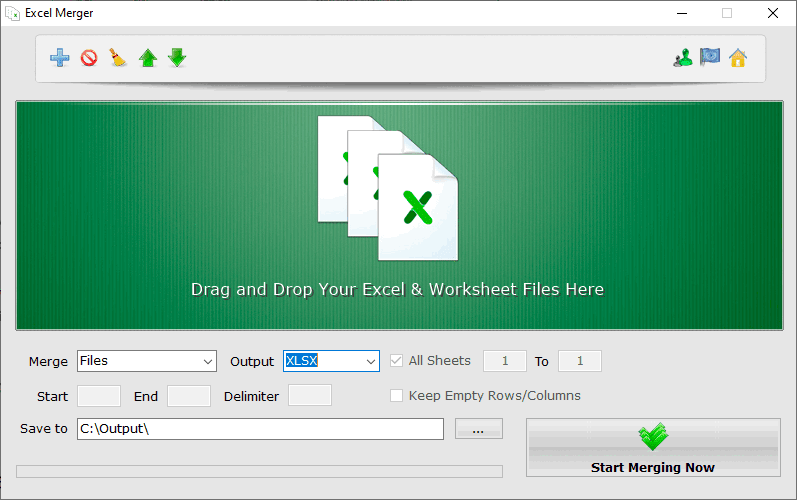
Excel Merger is an example of such a spreadsheet tool. As the name suggests, it can merge several spreadsheet files into a single one without having to install Excel or any other spreadsheet editor. It supports all major file formats, including XLSX, XLS, ODS, CSV, and XML.Combining sheets, rows, and columns
You can also use it to combine multiple sheets within a document into a single sheet, and you can do the exact same with rows and columns. You can even set the starting and ending row or column for the merging process. We love the extensive file support, meaning you can combine files with different extensions and merge them into a new file that can use an entirely different extension.A practical utility for daily use
This is highly useful if you share files with colleagues on a daily basis or struggle with file incompatibility. The installation is fairly simple, and the installer is just 3 MB. It is translated into many languages and works as advertised, no more and no less. However, we did experience occasional crashes during testing.